
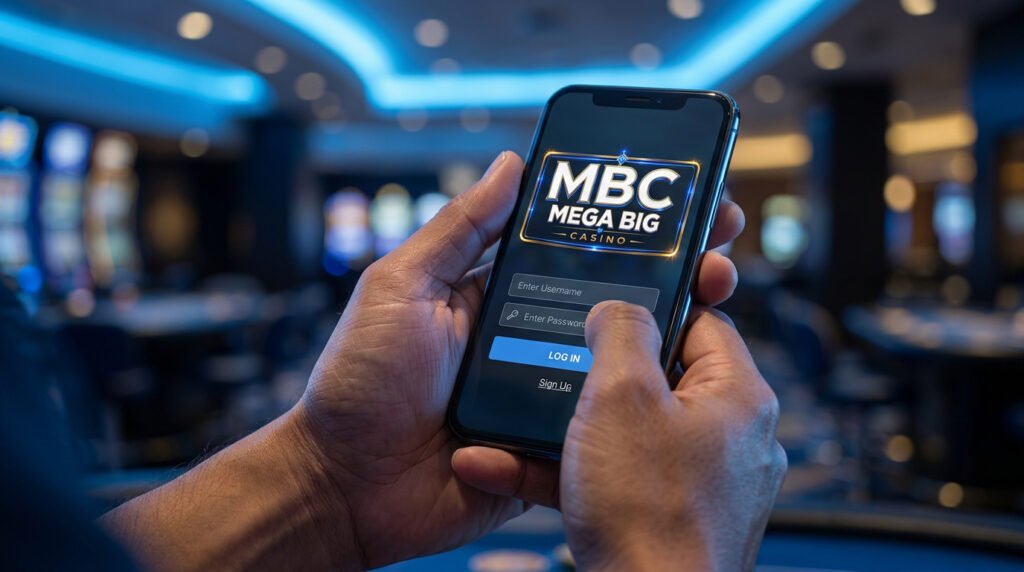
Mega Big Casino Login Guide: Paano Mag-Login sa MBC (Step-by-Step)
If you’re new to Mega Big Casino (MBC) or just need a quick reminder on how to log in, here’s a complete step-by-step guide — including common issues and how to fix them.
How to Log In to Mega Big Casino (Browser)
- Go to the official MBC website at megabigcasino.net
- Click the “Login” button in the upper right corner
- Enter your registered username or email and password
- Click “Log In” — you’ll be taken straight to your dashboard
How to Log In via the MBC App
If you’ve already downloaded the Mega Big Casino App, logging in is even faster — especially if you’ve enabled biometric login (Fingerprint/FaceID), which you can read more about in our Security Trust Center.
- Open the MBC App on your phone
- Tap “Login”
- Use your username/password or biometric login if set up
- Confirm and you’re ready to play
Common Login Issues and Fixes
“My account is locked”
If you’ve entered the wrong password multiple times, your account may lock temporarily for security. Contact our 24/7 Live Chat support to get this resolved quickly.
“Forgot Password”
We don’t currently have a self-service password reset link — just go straight to Live Chat and an agent will walk you through the process. Read more in our Account & Security FAQ.
“My account won’t verify”
If it’s your first login after registering, make sure your account details are fully verified. Most verification issues are resolved quickly through Live Chat.
Why Secure Login Matters
MBC uses 256-bit SSL encryption to protect your account — the same technology used by banks. For extra protection, activate Two-Factor Authentication (2FA) in your account settings. Read the full security breakdown in our Security Trust Center.
Ready to Play?
Don’t have an account yet? Register now and claim your ₱888 Welcome Bonus.